How to Delete
Telegram Account
Complete step-by-step guide to permanently delete your Telegram account and remove your data from Telegram servers.

Delete Your Account?
100% SAFE
Official methods
STEP-BY-STEP
Easy to follow
UPDATED
Latest 2026
What You’ll Find Here
Telegram Account Deletion
Learn how to permanently delete your Telegram account safely using official methods and step-by-step guides.
Troubleshooting Guides
Fix common Telegram problems including login issues, verification errors, and account deletion failures.
Subscription Cancellation
Coming soon: learn how to cancel online subscriptions, memberships, and digital services easily.
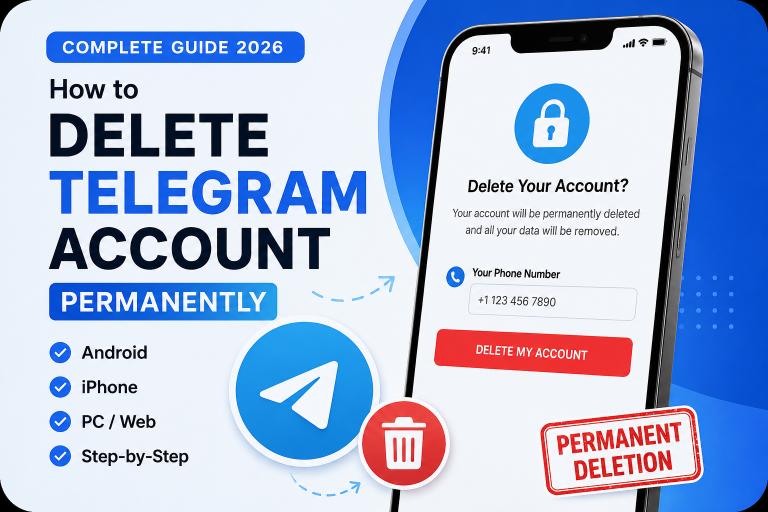
Delete Telegram Account
Permanently delete your Telegram account on Android, iPhone, or PC in under 2 minutes.

Telegram Official Delete Link
Use the official Telegram deletion page correctly and avoid common account removal mistakes.

No Code? Try These 3 Working Methods
Not getting the Telegram confirmation code? Try these working solutions before giving up.
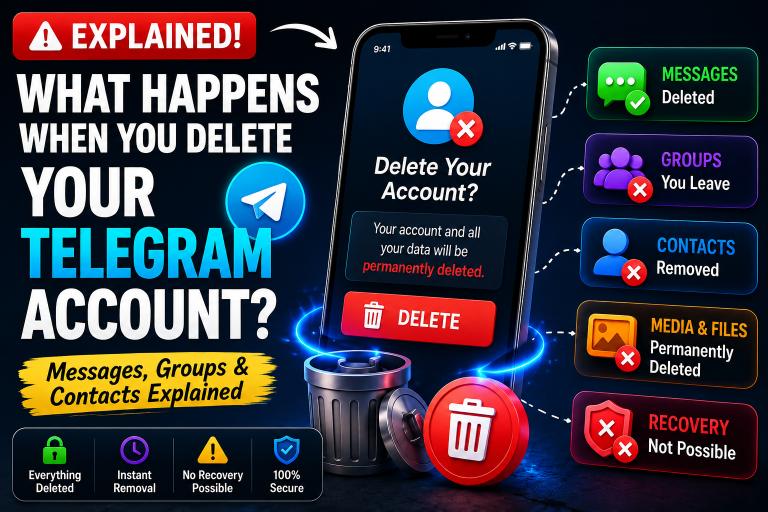
What Happens After Deletion?
Learn what happens to your messages, groups, contacts, media, and channels after deletion.
Latest Guides
-
How to Hide Your Phone Number on Telegram (2026 Guide)
Last Updated: July 2026 Quick Answer: To hide your phone number on Telegram, open Settings > Privacy and Security > Phone Number, then set “WhoGuides -
How to Change Your Telegram Phone Number Without Losing Chats (2026 Guide)
Last Updated: May 2026 Quick Answer: To change your Telegram phone number without losing anything, open Settings, tap your current phone number, select Change Number,Guides -
Telegram Active Sessions Explained: How to View, Manage & Remove Devices (2026)
Last Updated: July 2026 Quick Answer Telegram Active Sessions show every device currently logged into your account — phone, desktop, web browser, and any otherGuides -
How to Hide Your Phone Number on Telegram (2026 Guide)
Last Updated: July 2026 Quick Answer To hide your phone number on Telegram, go to Settings → Privacy and Security → Phone Number, and setGuides, Telegram -
If I Delete My Telegram Account Can I Get It Back? — Recovery Facts (2026)
Quick Answer — No. Once a Telegram account is permanently deleted, it cannot be recovered. Telegram does not offer a recovery period, reactivation option, orGuides -
Telegram Confirmation Code Not Received — 9 Proven Fixes (2026 Guide)
Last Updated: May 2026 Quick Answer: If your Telegram confirmation code is not arriving, check your Telegram app on any logged-in device first. Telegram deliversGuides, Telegram
Frequently Asked Questions
You can permanently delete your Telegram account by visiting the official Telegram Deactivation page, entering your phone number, and confirming account deletion.
Yes, you can delete your Telegram account using any web browser without opening the Telegram mobile app.
Telegram accounts can be deleted on Android and iPhone through the official deletion page or account inactivity settings.
Your chats, contacts, groups, and saved media are permanently removed after account deletion.
No, deleted Telegram accounts cannot be recovered once the deletion process is completed.
No, uninstalling Telegram only removes the app from your device while your account remains active.
Telegram account deletion usually happens instantly after confirmation, although some cached data may take a short time to disappear.
Yes, you can create a new Telegram account using the same phone number after deleting your previous account permanently.