Quick Answer —
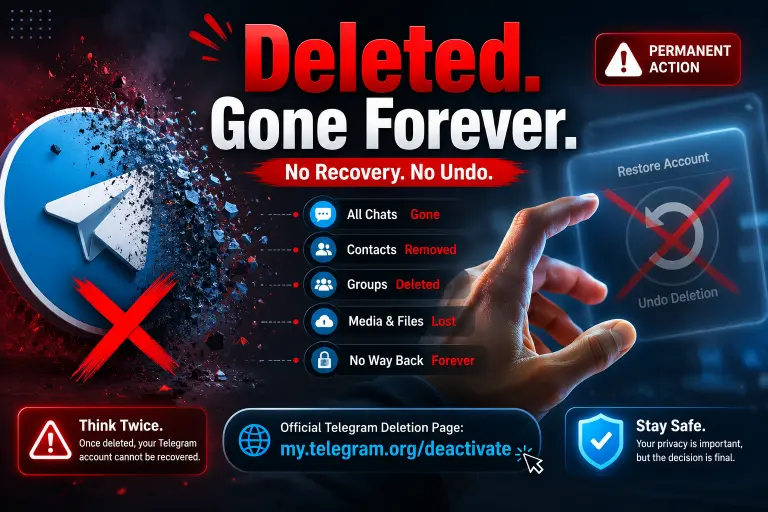
No. Once a Telegram account is permanently deleted, it cannot be recovered. Telegram does not offer a recovery period, reactivation option, or undo feature. You can create a new account using the same phone number, but your old chats, contacts, settings, and account data will not return.
Unlike some social media platforms that allow account restoration within a grace period, Telegram treats deletion as final. If you’ve already deleted your account, the best next step is understanding what data may still be accessible and what options remain.
Why So Many Users Think Recovery Is Possible
The confusion is understandable.
Most online services have trained users to expect some kind of recovery process. People are used to seeing messages such as:
- “Your account will be deleted after 30 days.”
- “Log back in to reactivate your account.”
- “Contact support to restore access.”
Telegram works differently.
When users search for terms like:
- recover deleted Telegram account
- restore Telegram account
- reactivate Telegram account
- get Telegram account back
they often assume Telegram follows the same model as other platforms.
In reality, Telegram treats account deletion as a privacy-focused action. Once completed, Telegram assumes you intentionally wanted your data removed and acts accordingly.
This means there is no hidden recovery system waiting in the background.
What Actually Happens When a Telegram Account Is Deleted?
To understand why recovery is impossible, you first need to understand what Telegram removes during the deletion process.
Many users imagine that Telegram simply disables the account and stores everything on a server for later restoration. That is not how the platform operates.
What Telegram Removes Immediately
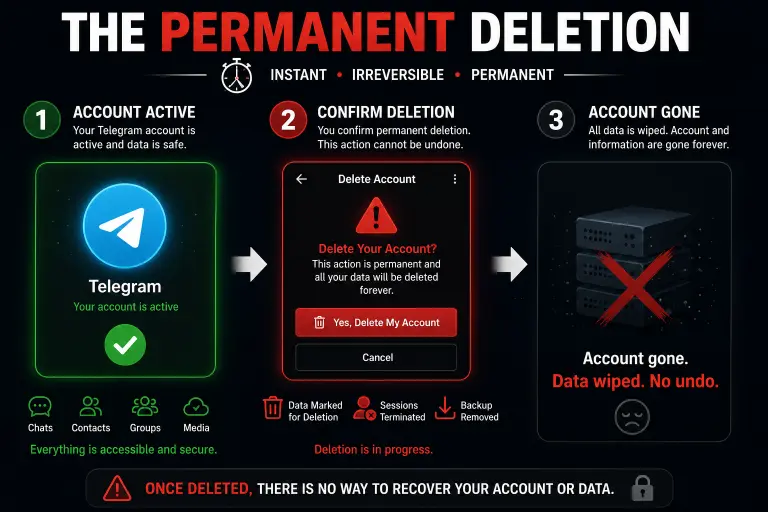
When account deletion is completed, Telegram removes the account’s identity from its systems.
This typically includes:
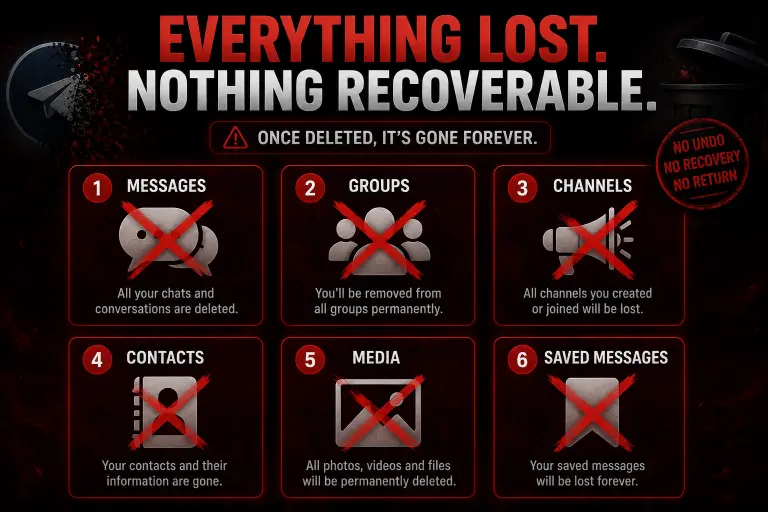
- Your Telegram profile
- Username
- Saved contacts associated with the account
- Personal settings
- Linked devices
- Active sessions
- Cloud-based account information
The account itself no longer exists as an active user profile.
From Telegram’s perspective, the account has been permanently closed.
If someone searches for your profile afterward, they will no longer find the account as it existed before deletion.
What May Still Exist After Deletion
This is where many recovery myths begin.
Some information may still appear in places that other users can access.
For example:
- Messages previously sent in groups may remain visible.
- Forwarded messages may still exist in other chats.
- Files already downloaded by other users remain on their devices.
- Screenshots taken before deletion still exist.
Seeing some of this content survive can make people believe their account must still be recoverable.
However, the existence of copied or shared content does not mean the account itself still exists.
The account identity has already been removed.
Why Telegram Treats Deletion as Permanent
Telegram has long positioned itself as a privacy-focused messaging platform.
From Telegram’s perspective, allowing deleted accounts to be restored could create privacy concerns.
Imagine a user deliberately deleting an account to remove their presence from the platform. If Telegram later restored that account automatically, it could undermine the user’s original intent.
For that reason, Telegram treats account deletion as a final action rather than a temporary deactivation.
This policy is one of the main reasons there is no recovery process available.
Can Telegram Support Recover a Deleted Account?
This is perhaps the most common question asked after account deletion.
Many users assume that even if they cannot recover the account themselves, Telegram’s support team might have access to backups or administrative tools.
Unfortunately, that assumption is usually incorrect.
What Telegram Support Can Help With
Telegram support can assist with issues such as:
- Login problems
- Reporting bugs
- Security concerns
- Spam reports
- Verification issues
- Technical account access problems
If your account still exists but you are unable to access it, support may be able to point you in the right direction.
What Telegram Support Cannot Restore
Telegram support cannot:
- Restore a permanently deleted account
- Recover deleted contacts
- Reverse completed account deletion
- Bring back deleted account settings
- Reactivate a removed Telegram profile
This limitation often frustrates users who deleted their account impulsively and changed their mind later.
However, support follows the same account deletion policies that apply to all users.
If the account is gone, support generally cannot bring it back.
Situations People Mistake for a Deleted Telegram Account
Before assuming your account is permanently gone, make sure it was actually deleted.
Many users believe they deleted their account when something entirely different happened.
Logged Out of Telegram
Being logged out is not the same as deleting your account.
You may have been signed out because of:
- A device change
- Security updates
- Session expiration
- Manual logout
In these situations, the account still exists.
Simply logging back in may restore access.
Deleted the Telegram App
Removing Telegram from your phone does not delete your account.
This is one of the most common misunderstandings.
When you uninstall Telegram:
- The app disappears from the device.
- The account remains active.
- Chats remain stored in Telegram’s cloud.
Reinstalling the application and logging back in usually restores access.
Switched to a New Phone
Many users panic after moving to a new phone and not seeing their account immediately.
Changing devices does not delete your Telegram account.
As long as you still have access to the phone number associated with the account, you can normally sign in again.
Lost Access to Your Phone Number
Sometimes users believe their account is deleted because they can no longer access it.
In reality, the account may still exist.
The problem is that Telegram uses phone-number verification.
Without access to the linked number, logging in becomes difficult.
This situation is very different from actual account deletion.
Temporary Login Problems
Verification code issues, network problems, and login errors can all create the impression that an account disappeared.
Before assuming deletion occurred, verify whether:
- The account was officially deleted.
- The phone number still works.
- Telegram servers are functioning normally.
- You can access another active session.
In many cases, the account still exists and only requires successful login verification.
What Can You Recover After Deleting a Telegram Account?
While a deleted Telegram account cannot be restored, that does not necessarily mean every piece of information connected to the account is gone forever.
The key is understanding the difference between recovering an account and recovering information that existed outside the account.
Files Saved Outside Telegram
If you previously downloaded photos, videos, documents, or voice messages to your device, those files remain available even after account deletion.
For example:
- Photos saved to your phone gallery
- Documents downloaded to your computer
- Videos stored on external drives
- Media backed up to cloud storage services
These files exist independently of Telegram and will not disappear simply because your account was deleted.
Exported Telegram Data
Users who exported Telegram data before deletion are in a much better position.
Telegram Desktop allows users to create archives containing:
- Chat histories
- Media files
- Account information
- Shared documents
If you completed an export before deleting your account, you can still access that data locally.
However, it is important to understand that exported data is not the same as account recovery.
You can view the information, but you cannot restore it to a new Telegram account.
Messages Stored by Other Participants
Even if your account is gone, other people may still have copies of conversations.
Examples include:
- Screenshots
- Exported chats
- Downloaded media
- Messages stored in group histories
If there is a specific conversation you need, another participant may be able to provide copies.
This does not restore your account, but it can help recover important information.
Information Available Through Device Backups
Some users maintain device backups through:
- iCloud
- Google backups
- Computer backups
- Third-party backup solutions
Depending on how the backup was created, some Telegram-related files may still exist.
However, a device backup cannot recreate a deleted Telegram account on Telegram’s servers.
At best, it may help you recover local files or copies of information.
Creating a New Telegram Account After Deletion
For many users, the real question is not whether the old account can return.
Instead, they want to know whether they can start over.
The answer is yes.
Can You Reuse the Same Phone Number?
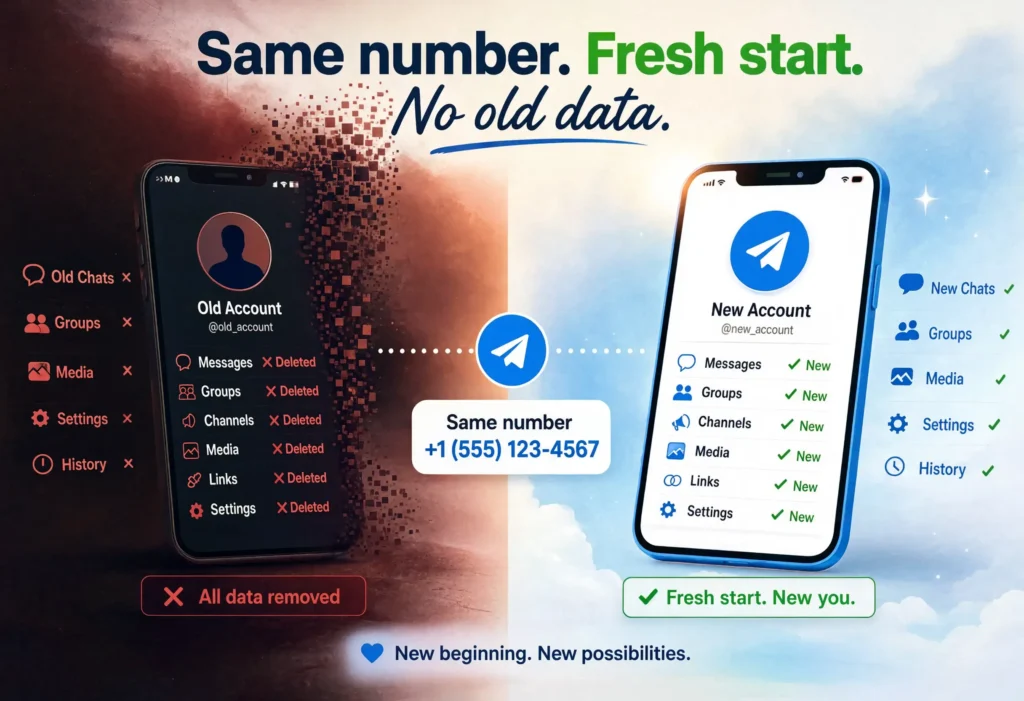
Yes.
Telegram allows users to register again using the same phone number after account deletion.
This often surprises people who assume the number becomes permanently blocked.
In reality, the phone number remains eligible for future registration.
You can create a new account using the same number whenever you decide to return.
What Returns and What Does Not
This is where expectations become important.
What returns:
- Your phone number
- Ability to use Telegram
- Ability to create a new profile
- Ability to join groups again
What does not return:
- Previous contacts
- Old conversations
- Chat history
- Profile settings
- Account preferences
- Previous account identity
Think of it as moving into a brand-new house with the same mailing address.
The address remains, but everything inside starts fresh.
How a New Telegram Account Differs From the Old One
A newly created Telegram account is treated as an entirely separate account.
Even if:
- You use the same phone number
- You choose the same username
- You add the same profile photo
Telegram does not reconnect the new account to the deleted one.
The old account remains permanently removed.
This distinction is important because many users mistakenly expect old chats to reappear after registering again.
That does not happen.
How to Avoid Losing Your Telegram Account in the Future
If you are reading this article because you regret deleting an account, there are valuable lessons that can help prevent similar situations in the future.
Back Up Important Telegram Data
The simplest protection is creating backups before making major account decisions.
Before deleting Telegram, save:
- Important chats
- Documents
- Photos
- Videos
- Contact information
Having a backup gives you options later.
Without one, recovery possibilities become extremely limited.
Transfer Ownership of Channels Before Deletion
Many users forget that Telegram channels and groups may have long-term value.
If you operate:
- Business communities
- Educational channels
- Public groups
- Brand accounts
always transfer ownership before deleting your account.
This ensures the community can continue functioning after you leave.
Understand the Difference Between Logging Out and Deleting
A surprising number of users delete accounts when they really only wanted a temporary break.
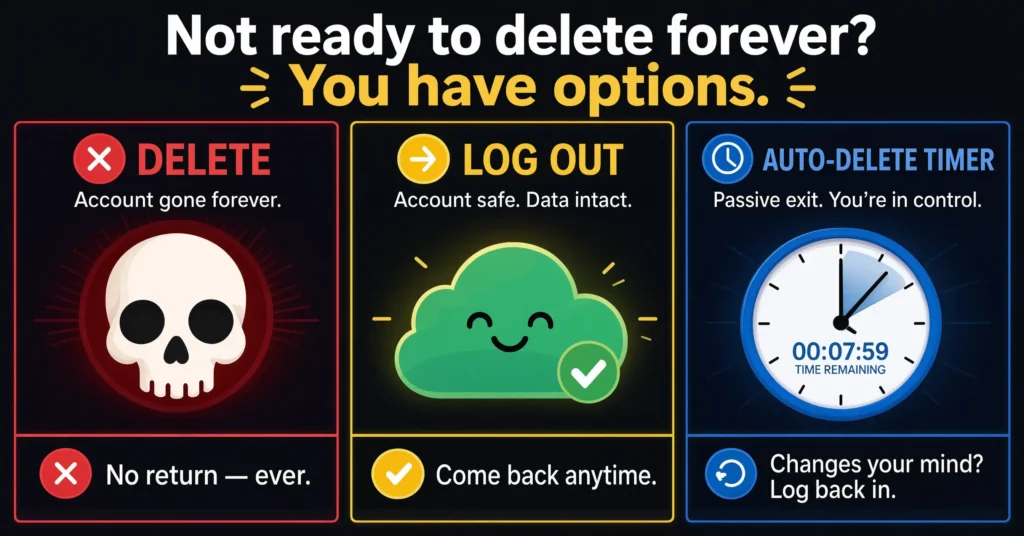
If your goal is simply to step away from Telegram, consider:
- Logging out
- Removing the app temporarily
- Muting notifications
- Using the inactivity timer
These options allow you to return later without losing everything.
Think Twice Before Confirming Deletion
The final confirmation screen exists for a reason.
Before pressing the delete button, ask yourself:
- Do I need old messages later?
- Are there important files in Telegram?
- Do I own channels or groups?
- Am I making a temporary decision based on frustration?
Taking a few extra minutes to evaluate the consequences can prevent significant regret later.
Common Myths About Telegram Account Recovery
Several misconceptions continue circulating online.
Let’s separate fact from fiction.
Myth: Telegram Keeps a Hidden Backup of Every Account
Some users believe Telegram secretly stores complete account backups that can be restored upon request.
There is no evidence that users can access such backups for account recovery purposes.
From the user’s perspective, deleted accounts remain permanently deleted.
Myth: Support Can Reverse Deletion
This is one of the most common myths.
Users often assume support representatives have administrative tools that can reverse deletion.
In reality, Telegram support does not offer account restoration services for permanently deleted accounts.
Myth: Reinstalling Telegram Restores Everything
Reinstalling Telegram only restores access if the account still exists.
If the account was permanently deleted, reinstalling the application will not bring back:
- Messages
- Contacts
- Settings
- Profile information
The deleted account remains deleted.
Myth: Using the Same Phone Number Brings Back Old Data
Registering again with the same number creates a new account.
It does not reconnect you to your previous account history.
This is one of the biggest misunderstandings surrounding Telegram recovery.
Frequently Asked Questions
If I delete my Telegram account can I get it back?
No. Telegram account deletion is permanent. Once the deletion process is completed, there is no recovery method available for restoring the original account.
How long do I have to recover a deleted Telegram account?
You do not have a recovery period after deletion. Unlike some social platforms, Telegram does not provide a grace period or reactivation window once the account has been removed.
Can Telegram support restore a deleted account?
No. Telegram support cannot restore permanently deleted accounts. They may assist with login or technical issues, but completed account deletions cannot be reversed.
Can I recover my contacts after deleting Telegram?
Only if you saved them elsewhere before deletion. Contacts that existed solely within Telegram generally cannot be restored after the account is removed.
What happens if I create a new Telegram account with the same number?
You will receive a completely new account. The phone number can be reused, but previous chats, contacts, settings, and account history will not return.
Can deleted Telegram messages be recovered?
In most situations, no. However, copies may still exist if messages were exported, backed up, downloaded, or saved by other participants before deletion.
How do I know whether my Telegram account was actually deleted?
If you can still log in using your phone number and verification code, the account likely still exists. True account deletion removes access completely and cannot be reversed through normal login methods.
Conclusion
If you are hoping there is a hidden way to restore a deleted Telegram account, the reality is straightforward: once deletion is completed, the account cannot be recovered.
Telegram treats account deletion as a permanent action. There is no recovery window, no reactivation process, and no support-based restoration option. While some files, exported data, or copies of conversations may still exist elsewhere, the original account itself is gone for good.
The good news is that you can always create a new Telegram account using the same phone number. However, that new account starts with a clean slate and does not reconnect to your previous chats, contacts, or settings.
Before deleting any Telegram account in the future, take time to back up important information, export critical conversations, and make sure permanent deletion is truly what you want. A few minutes of preparation can prevent the frustration that leads many users to search for recovery options after it is already too late.

Alex Mu is a digital technology writer focused on Telegram, account management, online privacy, and app troubleshooting. Through clear, practical guides, Alex helps readers understand digital platforms, manage their accounts, and resolve common technical issues. His work emphasizes accurate information, simple explanations, and step-by-step solutions that readers can follow with confidence.


