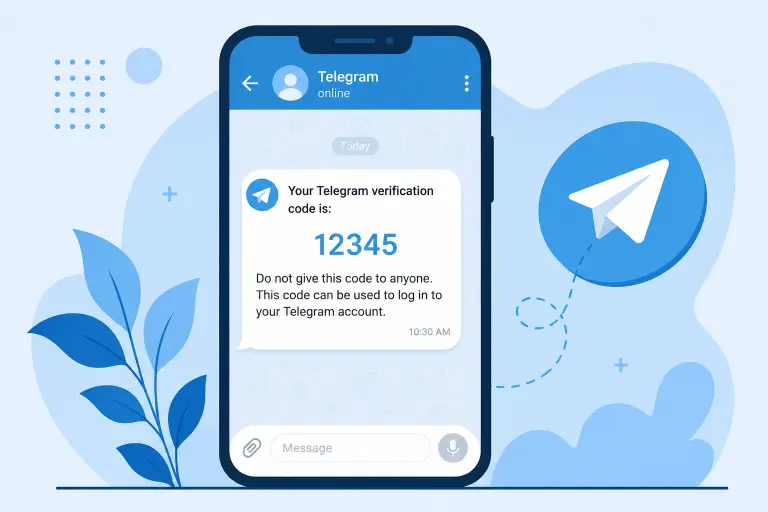
Last Updated: May 2026
Quick Answer:
If your Telegram confirmation code is not arriving, check your Telegram app on any logged-in device first. Telegram delivers most codes there, not by SMS. If that fails, verify your phone number format, wait a few minutes, restart the app, and request a new code. Most cases resolve with one of these nine proven fixes.
Key Facts
- Telegram delivers codes inside the app first, on any device where you are already logged in. SMS is only a backup
- An incorrect phone number format stops codes from arriving more often than any other cause
- Requesting too many codes quickly triggers a temporary security lock
- You can check codes on any active session — phone, tablet, desktop, or web
- Telegram support cannot manually send or bypass the verification code process
You try to log in, delete your account, or change your phone number, and Telegram asks for a confirmation code. You wait. You check your messages app. Nothing arrives. You request it again. Still nothing. This problem stops countless Telegram users every day, no matter what they were originally trying to do.
The good news is simple: this almost always has a quick fix. Telegram’s verification system works differently than most apps, and once you know where it actually sends your code, you can usually solve it in minutes.
This guide explains why this happens and gives you nine proven fixes for 2026. It also covers specific situations — login, account deletion, and phone number changes — so you can jump straight to your exact problem.
Why Telegram Is Not Sending Your Confirmation Code
Telegram’s verification system works differently from most apps you have used. Understanding this difference solves most problems immediately.
Telegram Sends Codes Inside the App First
Telegram delivers your confirmation code as a message inside the app itself by default. It sends this message to any device where you currently have an active, logged-in session. If you have Telegram open on your phone, tablet, or computer, the code usually appears there as a message from the official Telegram service account — not in your SMS inbox.
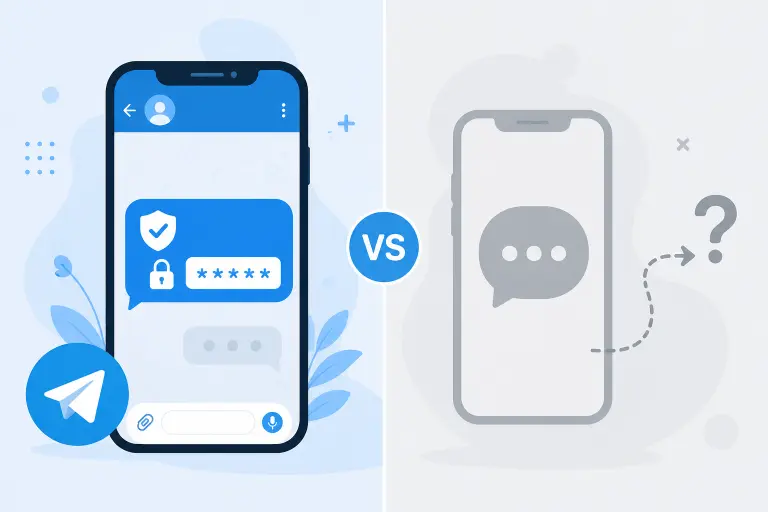
SMS Is Only a Backup Method
SMS delivery works as a fallback option. Telegram uses it primarily when no active session exists anywhere for your account. If you are not logged into Telegram on any device, the system has no app session to deliver the code to, so it sends a text message instead. This catches many users off guard, since most expect SMS first.
Security Protection Against Abuse
Telegram also limits how often you can request codes. This security measure protects accounts from repeated automated verification attempts. It can also catch legitimate users in a temporary lockout if they request codes too many times while troubleshooting.
Quick Checklist Before Trying Any Fix
Run through this 30-second checklist first. It solves many cases before you need anything more involved.
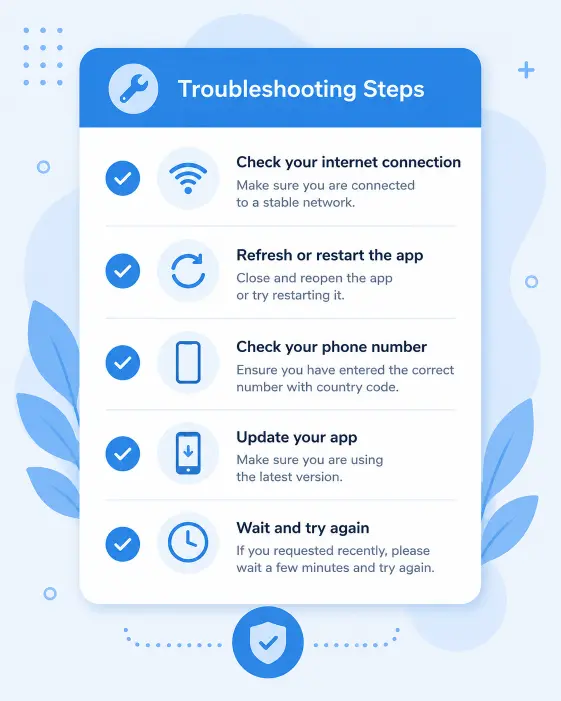
- Confirm your phone number is correct, with no typos or missing digits
- Include the correct country code, with the plus sign and full code (such as +1 for the US)
- Check your internet connection on your current device
- Update Telegram to the latest version
- Wait a few minutes before requesting another code
If these steps do not solve your problem, move on to the full fixes below.
9 Proven Fixes for Telegram Confirmation Code Problems
These nine fixes cover nearly every scenario users face.
Fix #1 — Check the Telegram App Instead of SMS
This single fix resolves most cases. Open Telegram on any device where you are already logged in. Look for a message from the official Telegram account containing your code. Always check this first before assuming something is broken.
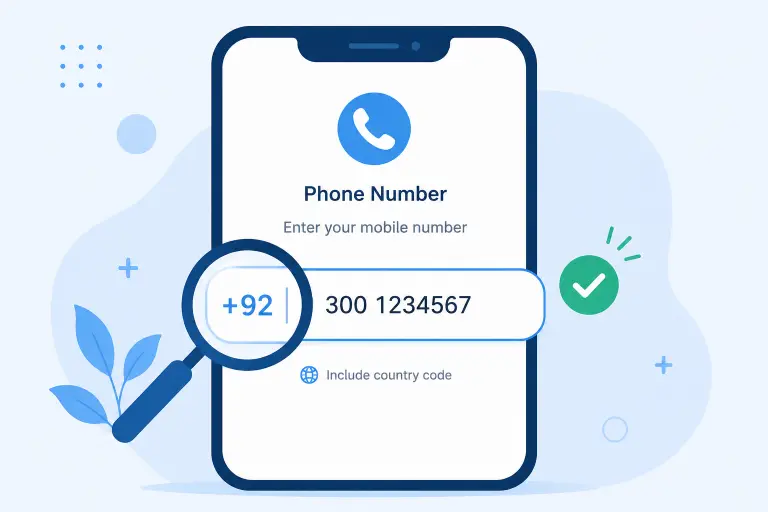
Fix #2 — Verify Your Phone Number Format
Re-enter your phone number carefully. Include the correct country code with no extra spaces or missing digits. An incorrectly formatted number stops the code from arriving, regardless of which delivery method Telegram attempts.
Fix #3 — Use a Stable Internet Connection
A weak connection can block your request or the response from reaching your device. Switch from mobile data to WiFi, or the other way around, then try again on a more reliable connection.
Fix #4 — Restart the Telegram App
Close Telegram completely and reopen it. A simple restart clears temporary glitches that sometimes interfere with message delivery during verification.
Fix #5 — Request a New Code After Waiting
If a few minutes pass with no code, request a new one. Avoid requesting repeatedly in quick succession, since this can trigger the security limit covered later in this guide.
Fix #6 — Check Another Logged-In Device
Check each device individually if you have Telegram on more than one — a second phone, tablet, or computer. Telegram delivers the code to whichever session is currently active, not to every device at once.
Fix #7 — Update Telegram to the Latest Version
An outdated app can cause delivery or display issues with incoming messages, including verification codes. Update Telegram through the App Store, Google Play Store, or Telegram’s website before trying again.
Fix #8 — Try a Different Network or Device
Switch to a completely different network or device if the problem continues. This step rules out a localized issue specific to your current connection or hardware.
Fix #9 — Wait Out Telegram’s Temporary Security Limit
Telegram may temporarily limit further attempts if you requested several codes in a short period. Waiting 24 hours typically clears this restriction. Continuing to request codes during this window can extend the lockout instead of fixing it.
Fixes for Specific Situations
The general fixes above apply broadly, but a few specific scenarios need extra context.
Code Not Received When Deleting Your Telegram Account
The same SMS-versus-app confusion usually causes this problem during deletion too. Check your Telegram app on any active session rather than your SMS inbox. For the complete deletion walkthrough once you have your code, see our guide on the official Telegram deletion page.
Code Not Received During Login
A standard login attempt without an active session anywhere typically falls back to SMS delivery. Confirm your number format and signal strength if the SMS does not arrive, then retry after a short wait rather than repeatedly resending.
Code Not Received When Changing Your Phone Number
The code goes to your new number specifically during a number change, not your existing Telegram session. Make sure the new number can receive SMS or calls before you start the change. For the full process, see our guide on how to change your Telegram phone number.
Code Not Received on Telegram Desktop
Desktop verification generally works the same way as mobile. Check whichever device currently has an active Telegram session for the code. Desktop itself does not always have an independent delivery path separate from your other logged-in devices.
Common Mistakes That Prevent Telegram From Sending Codes
A handful of recurring mistakes cause most ongoing frustration with this issue.
Many users wait only for SMS, missing the code sitting inside the app the entire time. Some users enter the wrong country code, which silently breaks the entire verification attempt. Others request too many codes quickly, triggering the exact security lock they want to avoid. An inactive SIM card gives SMS delivery nowhere reliable to go, even as a fallback. Finally, many users ignore messages inside Telegram, missing the code that likely arrived there first.
When Telegram Will Not Send a Code at All
In some situations, no amount of retrying produces a code until a specific condition resolves on its own.
Too Many Attempts Lock
Repeated failed or rapid attempts trigger a temporary lock on further code requests. This deliberate anti-abuse measure requires you to wait out the restriction, typically around 24 hours, before trying again.
Suspicious Login Activity
Telegram may temporarily restrict verification if its systems flag unusual activity tied to your account or number, such as logins from an unfamiliar location. This restriction typically resolves on its own after a waiting period.
Temporary Server Delays
Sometimes the delay happens on Telegram’s end rather than yours. Brief server-side issues can slow down code delivery. If everything else checks out and the code still has not arrived after a reasonable wait, try again later — a temporary server delay likely explains the issue.
Can Telegram Support Help?
Understanding what support can and cannot do saves time and sets the right expectations.
Contacting support makes sense if you suspect a genuine account-specific issue — suspicious activity flags or a persistent problem none of the standard fixes resolve. When reaching out, include your phone number in international format, the approximate time you attempted verification, and a clear description of what you already tried. This helps support investigate faster than a vague description.
Telegram support cannot bypass the verification process itself. They cannot manually generate or send you a code outside the normal system, and they cannot verify your identity through any method that skips phone number or session confirmation. Their role stays limited to investigating genuine technical issues, not providing a workaround.
Frequently Asked Questions
Why is Telegram sending the confirmation code inside the app instead of SMS?
Telegram prioritizes delivering codes to an already logged-in device as its main security method. This approach is generally more secure than SMS, since bad actors can sometimes intercept text messages, while app-based delivery relies on your existing authenticated session.
How long does a Telegram confirmation code take to arrive?
Codes typically arrive within a minute or two under normal conditions. Request a new one if more than five minutes pass with no code, rather than continuing to wait indefinitely.
Why am I not receiving an SMS verification code from Telegram?
Telegram primarily uses SMS only when no active app session exists anywhere for your account. The code is likely going to that device instead of your SMS inbox if you have Telegram open and logged in anywhere.
Can I receive my Telegram code without the app installed?
In some cases, yes — particularly if no active session exists and Telegram falls back to SMS delivery. This depends on your account history and region, though, and is not guaranteed in every situation.
What should I do if I requested too many verification codes?
Stop requesting additional codes and wait approximately 24 hours for Telegram’s temporary security limit to clear. Continuing to request codes during the restriction period can extend the lockout further.
Does reinstalling Telegram fix confirmation code problems?
Reinstalling rarely fixes this specific issue and can sometimes complicate things further, particularly if it ends your only active session. A simple restart of the existing app usually works better than a full reinstall.
Can Telegram support send me a verification code manually?
No. Telegram support cannot manually generate or send a verification code outside the standard automated system. Their role stays limited to investigating account-specific issues, not bypassing the verification process.
Conclusion
A missing Telegram confirmation code almost always has a solution once you understand where Telegram actually sends it. Checking the Telegram app on any active session resolves most cases immediately, since SMS delivery only kicks in when no logged-in session exists anywhere.
Work through the nine fixes in this guide in order. Start with the app check and phone number format before you assume something more serious is wrong. If you triggered a temporary security lock from repeated attempts, patience genuinely fixes it faster than continuing to retry.
If your original goal was deleting your account, see our guide on how to delete Telegram without a confirmation code for alternative approaches. Or head straight to the official Telegram deletion page once you successfully receive your code.
DeleteAccount.com is not affiliated with Telegram. This guide is for informational purposes only. Steps may vary slightly depending on your app version.

Alex Mu is a digital technology writer focused on Telegram, account management, online privacy, and app troubleshooting. Through clear, practical guides, Alex helps readers understand digital platforms, manage their accounts, and resolve common technical issues. His work emphasizes accurate information, simple explanations, and step-by-step solutions that readers can follow with confidence.


